Eupry Support

Need help?

If you need assistance with your Eupry solution, you can find answers to some of the most frequent questions or reach our support team here.

User guides

How to use the solution?

See the step-by-step guides for how to use our mapping equipment and software.
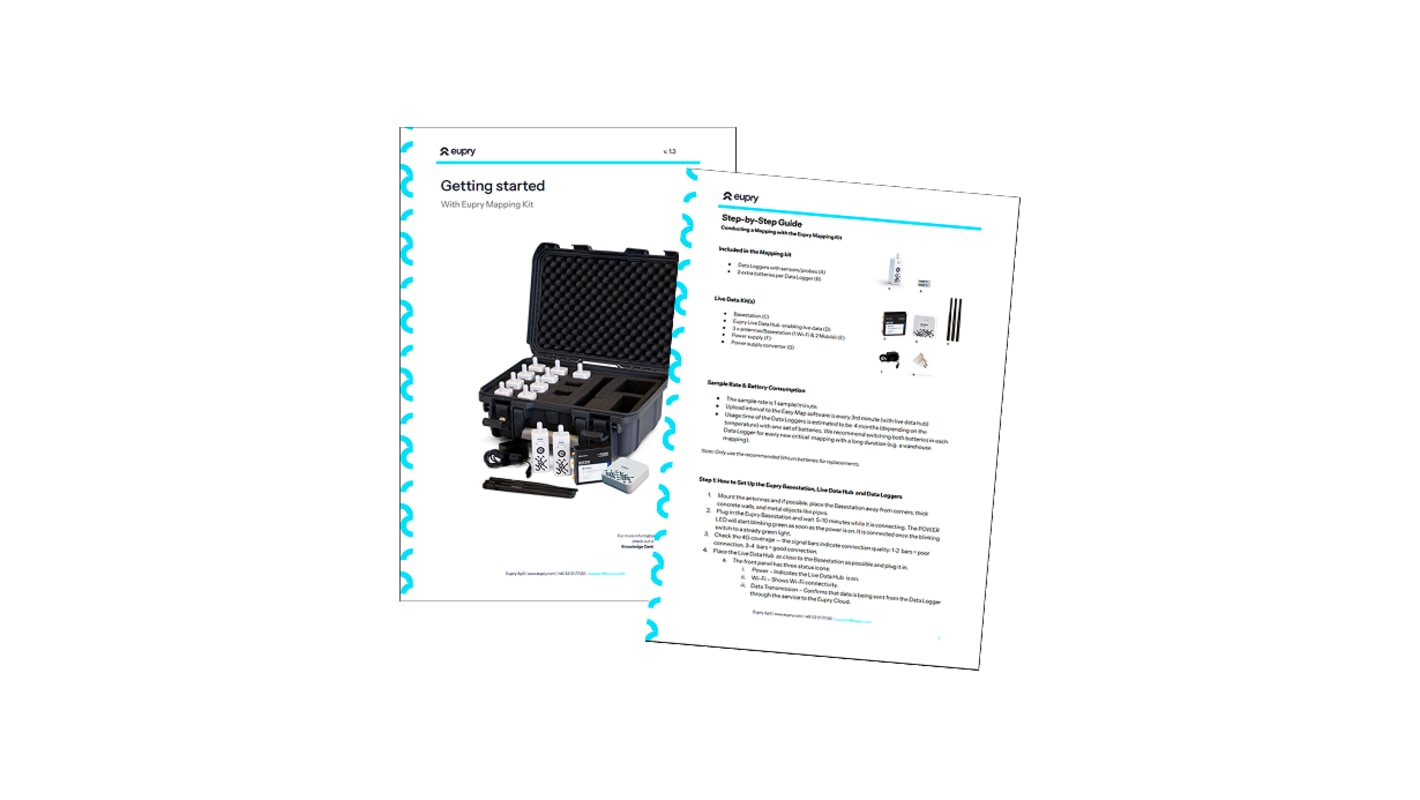
Eupry Mapping Kit getting started guide booklet with step-by-step instructions and data logger carrying case photo

Contact us

Our team is always ready to help. Reach us through:

Email

Phone

Isometric illustration of a desktop monitor displaying a paper airplane icon beside a smartphone showing a headset icon

Send us a message

Our support team is here to help.

Let us know what you need help with and we will get back to you as soon as possible.

Need to contact sales? You can fill out the form here.

Row of certification logos: ISO 9001, 17025, 27001, 14001, ILAC-MRA, WHO, IATA Pharma, and FDA 21 CFR Part 11

Initializing ...

Opening hours

  • DK (GMT+1): 09.00 - 00.00
  • UK (GMT +0): 08.00 - 23.00
  • NY (East Coast): 10.00 - 18.00
  • CA (West Coast): 07.00 - 15.00
Isometric illustration of a round clock with minimalist hands, shown in navy blue and light gray tones
FAQ

Top questions and answers about our mapping solution

Here are the answers to some of the most common questions we recieve. if you didn't find the answer to your question, you can contact us here.
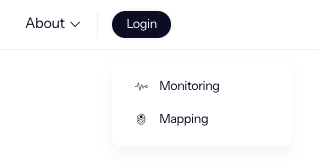
How do I access EasyMap/Eupry's mapping software?

You can log in to our mapping software right here or through the login button on our website:

Login.png

If you don't have access our support team can enable the software for you. Find the contact info here.

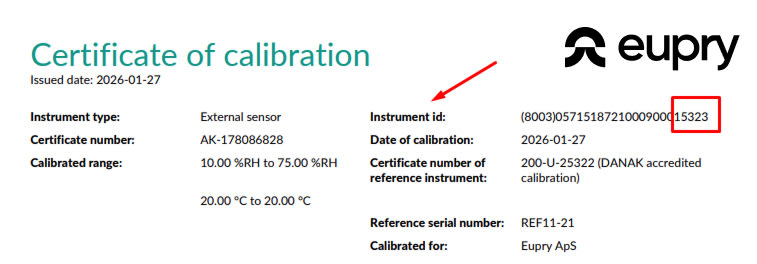
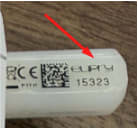
Where do I find the external sensor ID on the calibration certificates?

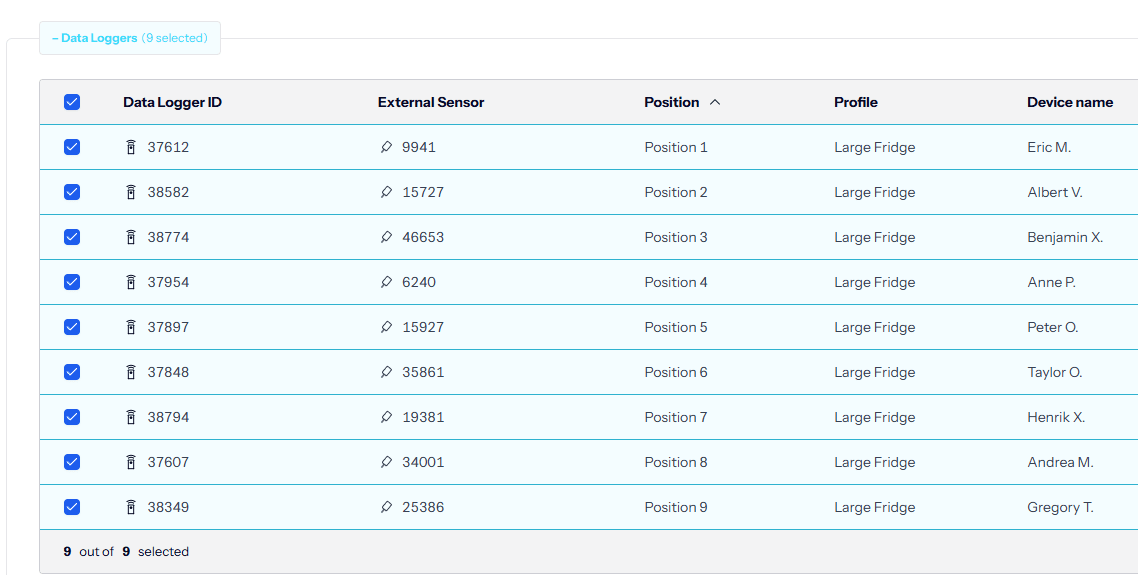
The last 5 digits of the instrument ID on the Calibration Certificate match the sensor ID. The data logger ID is NOT on the sensor calibration certificate, as the the data logger itself is not calibrated.

image (1).png

Frame 1.jpg

How do I change the data logger profile or position name?

You can edit the profile name and change the position name in Eupry Monitoring via the Data Logger View menu.

image (3).png

Change data logger position.png

How can I display 2 months of data on the EasyMap graph?

Unfortunately there is a 1 month display limit and 30,000 data points limit on the EasyMap graph data and export. If you run into export issues, please try smaller exports or export data by month.

What to expect?

Overview of the Eupry SLAs

Our team will always get back to you as son as possible, but depending on your service level agreement (SLA), . Here is a high level overview of the content of the different SLAs. If you have any questions or want to update your SLA, feel free to reach out to our team.
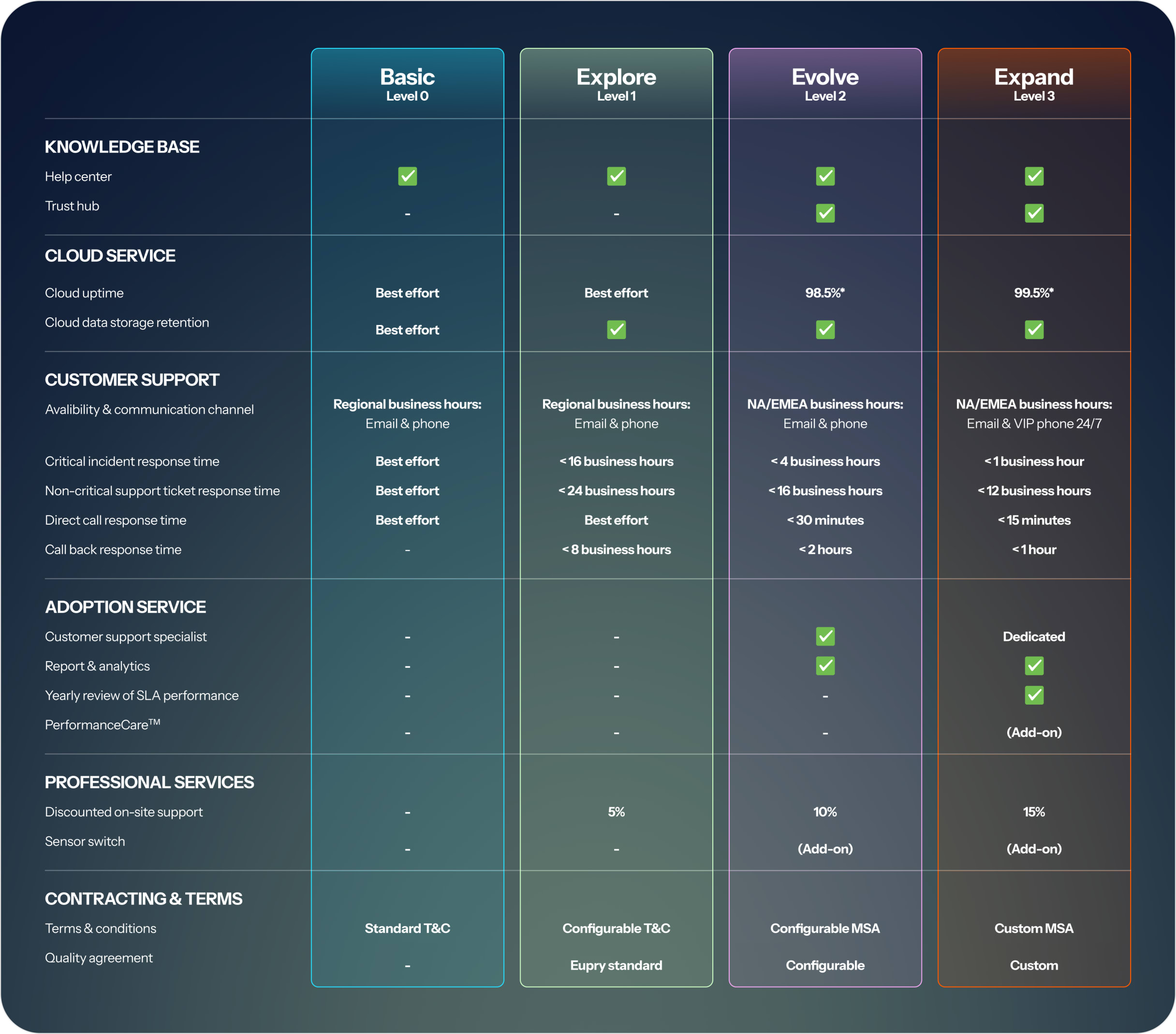
Eupry SLA comparison table showing four service levels: Basic, Explore, Evolve, and Expand across support, cloud, and adoption features.

Didn't find the answer to your question?

Our team is here to help.